Resources
How to edit your videos with Claude
This is the setup behind my "edit your video in Claude in 60 seconds" reel. Raw clip in, finished edit out, no editing app. It takes about 30 minutes to set up once.
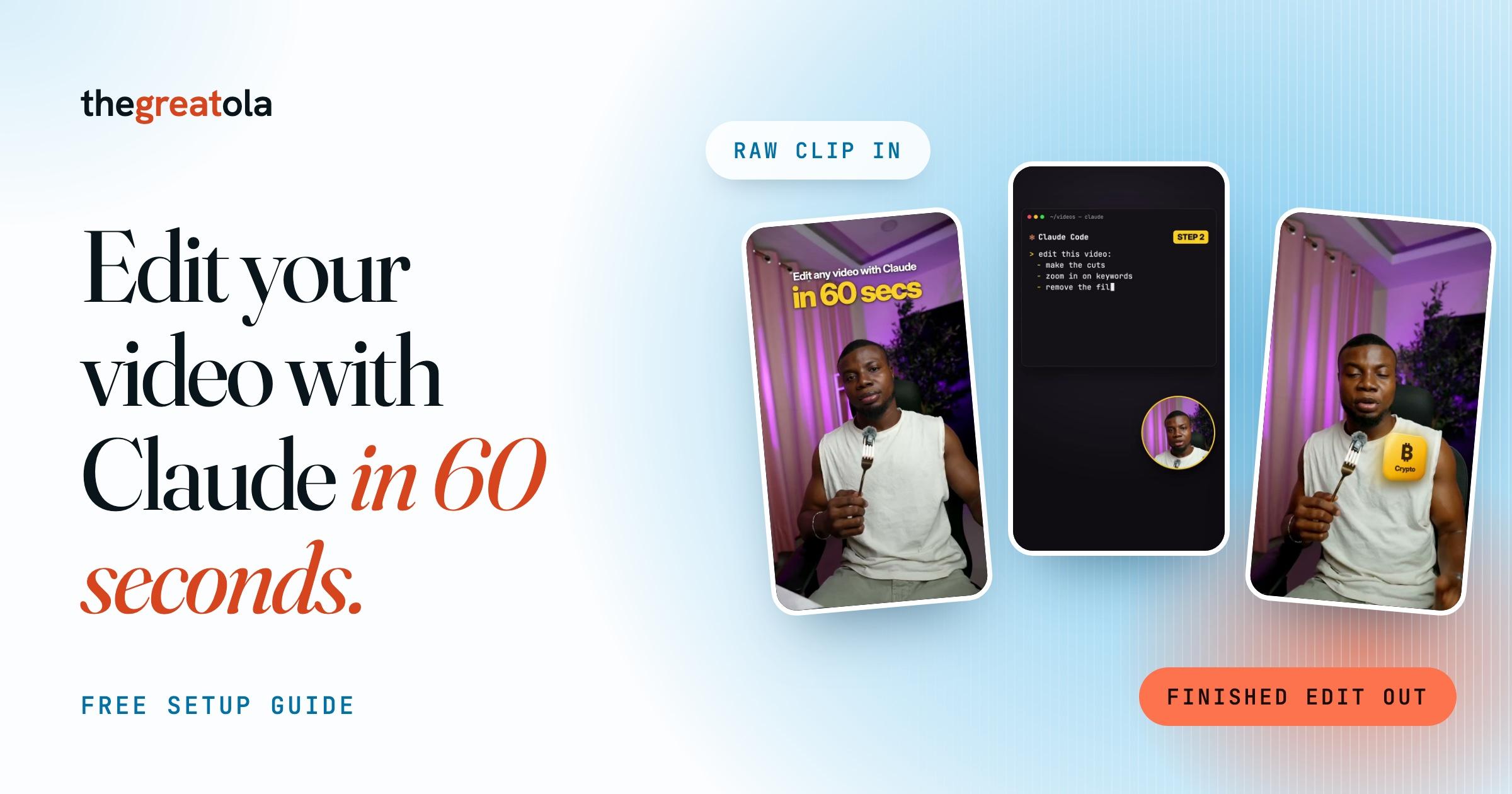
How to use it
- Write your style down once. This is the part that makes the edits look like you instead of like everyone else. Create a file called CLAUDE.md in your video folder and paste in the style file below, then change it to match how you like your videos.
- Drop your clip in and ask. Put your raw clip in the inbox folder, open Claude Code in your video folder and paste the edit prompt. Asking for the cut list first matters. You can say "keep the line about X" or "drop the part where I stumble" before it spends time rendering.
- Review, correct, and save the correction. Watch the edit. If something is off, say it plainly ("captions are too small", "you cut my punchline"), then paste the last prompt. That's how it gets better every video. My style file grew from about ten rules to a full set this way, one correction at a time.
What you need
You don't need to install anything else yourself. When Claude needs a tool, such as a transcriber for captions, it tells you what it wants to install and asks first.
- Claude Code. Get it from claude.com/code. The desktop app is the easiest way in. It needs a paid Claude plan.
- ffmpeg, the free tool that actually cuts and exports the video. On a Mac: install Homebrew from brew.sh, then run brew install ffmpeg. On Windows: run winget install ffmpeg.
- A folder for your videos with two folders inside it: inbox (raw clips go here) and output (finished edits land here).
Step 1: your style file (CLAUDE.md)
# How I edit my videos

- Final videos are vertical 1080x1920 at 60 fps. Also make a 1920x1080 version for X and YouTube.

- Cut every pause longer than about half a second, and every false start or retake. Keep the best take of each line.

- Captions on every video, a few words at a time, big and easy to read, placed where they don't cover my face.

- Zoom in slightly on the key word of each important sentence.

- A short sound effect on cuts and on-screen moments. Never the same sound twice in a row. Keep them quieter than my voice.

- No vignette, soft colour grade, keep skin tones natural.

- The first frame is a finished cover with the hook as text, so the thumbnail looks good.

- Never change or delete my original clip. Save everything new in output.

- Fix these words in captions: [add any word the transcriber always gets wrong, like a product name]
Step 2: the edit prompt
Edit the newest clip in inbox using my rules in CLAUDE.md. Show me the cut list before you render.
Step 3: save the correction
Add this to my CLAUDE.md so you don't do it again.
Tips
- Record in good light with clean audio. Claude can cut and caption, but it can't fix a dark, echoey clip.
- Say your hook first when you record. It's easier to keep a strong opening than to build one in the edit.
- Check every caption before posting. Transcribers mishear names and tech words.
- Longer videos take longer to render. Start with clips under a minute.
Newsletter · Staying Liquid
Read Staying Liquid.
Where I break down crypto, markets, and what I’m actually watching and shipping. Free, in your inbox.
Opens Staying Liquid to confirm. No spam, unsubscribe anytime.