Resources
Top 5 GitHub repos of the week
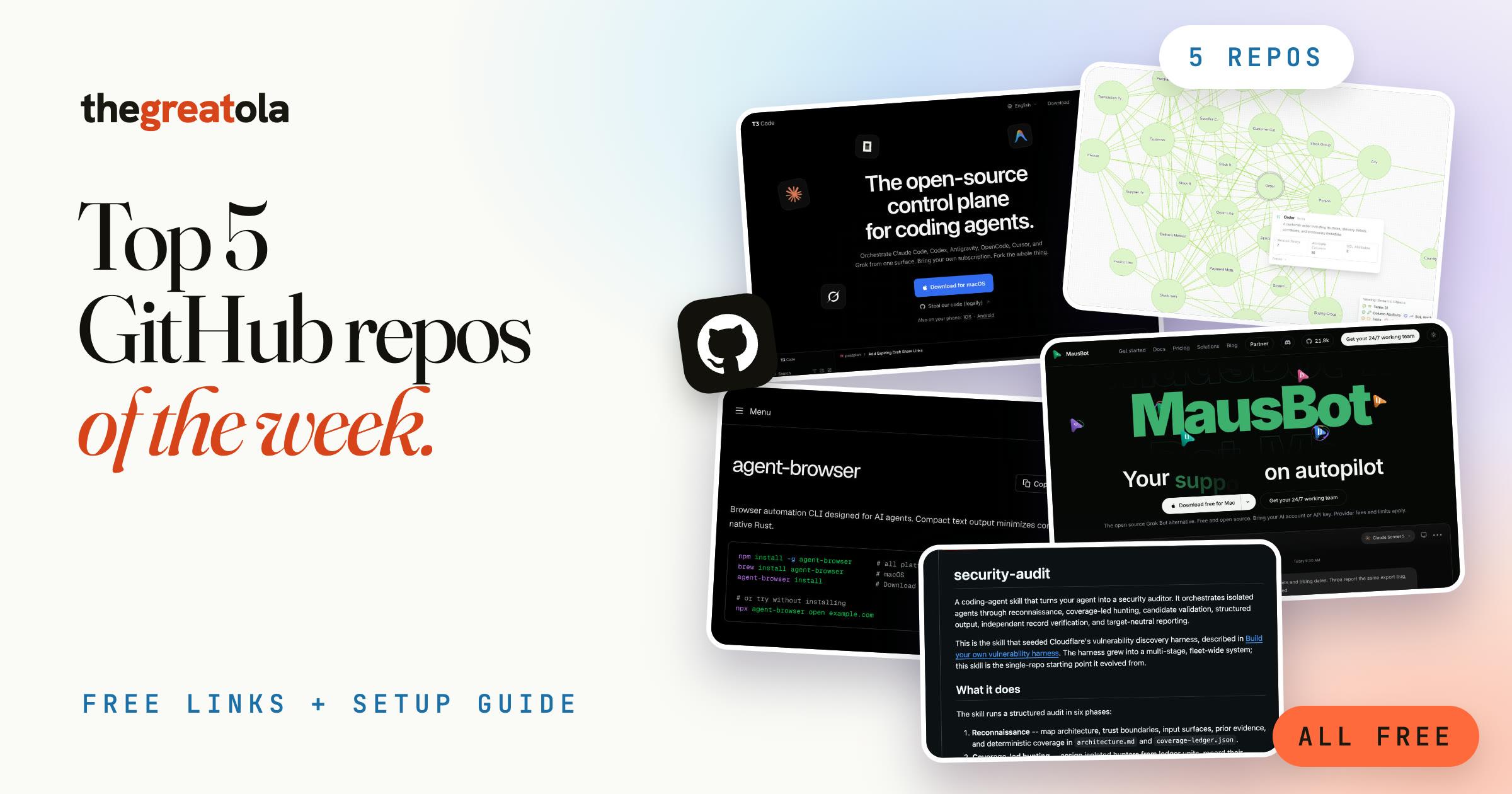
The links and setup guide from my "Top 5 GitHub repos of the week" reel. All five are free and open source: what each one does, how to install it, and a first thing to try.
What you need
- A coding agent installed and signed in. Most of these run on top of Claude Code (claude.com/code) or Codex. You only need one.
- Node.js from nodejs.org for the npm and npx commands below.
- Docker, only for No. 2 (Auto Ontology). Skip it if you don't need that one.
The five repos
- 1. T3 Code (by Ping). One app to run Claude Code, Codex and other coding agents from any computer, or from your phone. Bring your own subscription.
- 2. Auto Ontology (by NVIDIA). Builds a reasoning map over your data, so your agents get real context and give answers you can explain instead of making things up. The heaviest setup of the five: it needs Docker and a free NVIDIA API key from build.nvidia.com.
- 3. Agent Browser (by Vercel). Lets your agent use a real browser without screenshots or guessing at pixels. It reads the page as a list of elements and clicks them by reference.
- 4. Security Audit Skill (by Cloudflare). A skill that audits your code in phases and double-checks every issue before it reports it, so you get real findings, not noise.
- 5. OpenMausBot (by Milind Soni). My favourite. An open-source alternative to Grok Bot: a team of AI bots in one app, each with its own virtual machine it can actually use. It runs on the Claude or Codex you already have.
1. T3 Code: install (Mac)
brew install --cask t3-code
1. T3 Code: or try it without installing
npx t3@latest
1. T3 Code: connect an agent first
claude auth login
2. Auto Ontology: get it
git clone https://github.com/NVIDIA/auto-ontology.git && cd auto-ontology
cp .env.example .env
2. Auto Ontology: try first (after filling in .env, see the README)
Read the README in this folder and walk me through the Quickstart one step at a time. Stop and ask me before anything that needs a password or API key.
3. Agent Browser: install
npm install -g agent-browser
agent-browser install
3. Agent Browser: try first
agent-browser open example.com
agent-browser snapshot -i
agent-browser click @e1
4. Security Audit Skill: install
npx skills add https://github.com/cloudflare/security-audit-skill --skill security-audit
4. Security Audit Skill: try first (in your agent, inside your project)
security audit this codebase
5. OpenMausBot: install
Download the app for Mac, Windows or Ubuntu from github.com/milind-soni/OpenMausBot/releases/latest, then open it.
5. OpenMausBot: try first
Make me a research bot that checks [your niche] every morning and sends me the three most important updates.
Tips
- Start with one. Install the repo that fixes a problem you have this week, not all five at once.
- Run Security Audit Skill on a copy or a branch first, and read the report before you act on it.
- Never paste API keys into a chat. Put them in the .env file the repo tells you to use.
- Stars move fast. Check each repo's README for the latest install steps before you start.
Newsletter · Staying Liquid
Read Staying Liquid.
Where I break down crypto, markets, and what I’m actually watching and shipping. Free, in your inbox.
Opens Staying Liquid to confirm. No spam, unsubscribe anytime.